Color Correct Basics
Tech EX Titles and stills
Video Project
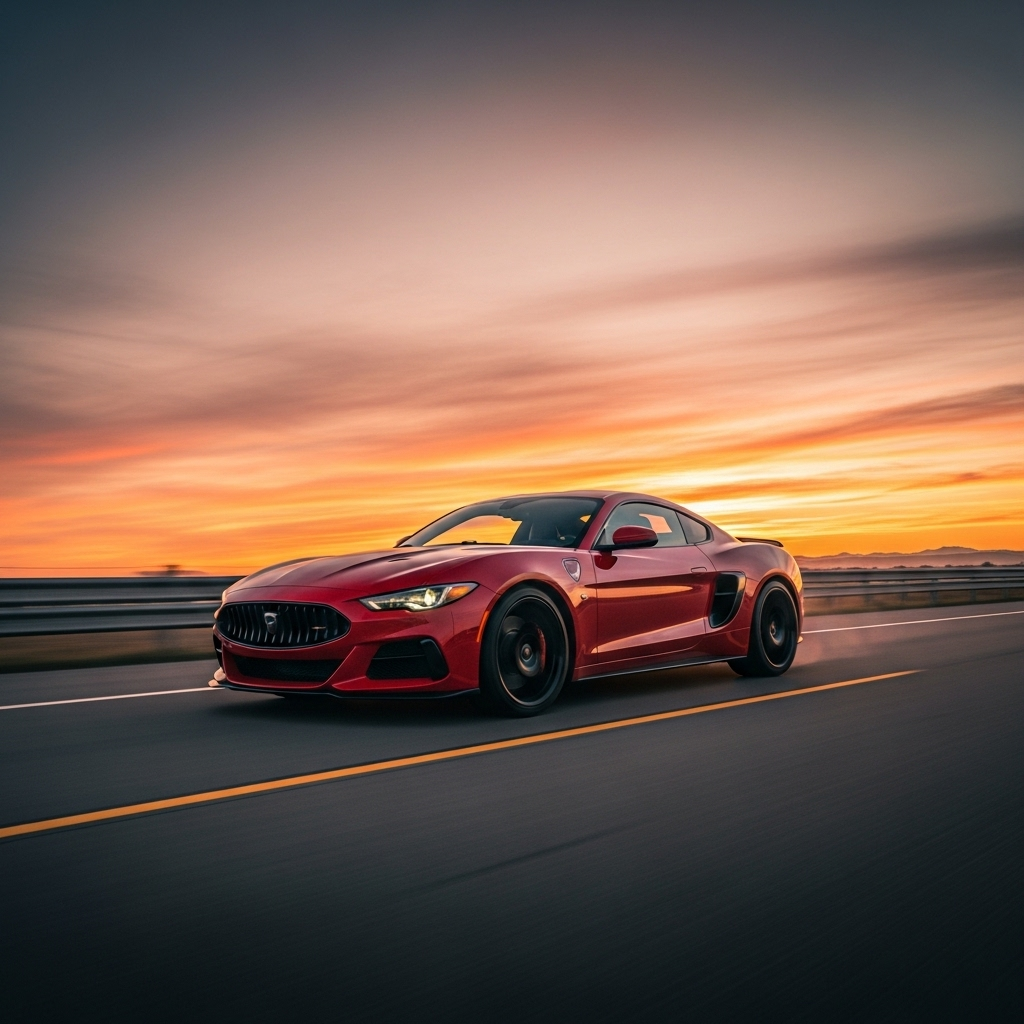
“The Drive Within” is a calm, reflective short film exploring the quiet connection between driver, machine, and environment. The intention is to capture the meditative side of driving not the speed or adrenaline, but the rhythm, light, and stillness that come with the journey. Through natural lighting and ambient sound, the video will create a peaceful, cinematic mood that emphasizes presence and mindfulness. The use of golden hour light will reinforce the film’s warmth and tranquility, while soft camera movement and shallow depth of field will draw attention to texture and subtle detail
Proposal 1: “The Drive Within
Length: 60–90 seconds
Tone: Calm, reflective, natural light
Gear: Tripod or handheld, natural sound + light
Scene 1 — The Stillness Before the Drive (0:00–0:10)
Shot 1 – Establishing Shot
- Park the car at golden hour (sunrise/sunset).
- Use a low tripod angle about 10 ft away.
- Slowly pan or stay still — just capture the calm scene.
Shot 2 – Door Handle / Key Turn
- Hand reaches for handle or presses start button.
- Shoot tight close-up, focus on reflections and movement.
Scene 2 — Ignition and Preparation (0:10–0:30)
Shot 3 – Dashboard Lights
- Camera just behind the driver’s shoulder.
- Lights come on, faint glow on their face.
- Capture quiet anticipation — no talking needed.
Shot 4 – Foot Pedal / Gear Shift
- Use slow-mo (if possible) for foot pressing the pedal or hand shifting gears.
- Frame tightly; focus on detail and texture.
Scene 3 — The Start of Motion (0:30–0:50)
Shot 5 – POV: The Road Ahead
- Mount camera on dashboard or handheld in passenger seat.
- Capture the moment the car starts moving and sunlight flares.
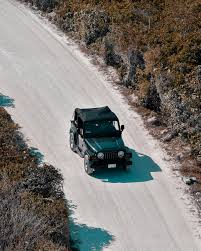
Shot 6 – Exterior Drive-By
- Have a friend film from the roadside as the car passes.
- Keep it smooth and simple — one or two passes are enough.
Scene 4 — Flow and Reflection (0:50–1:10)
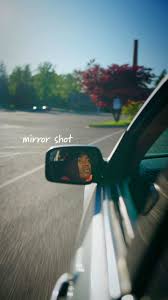
Shot 7 – Mirror Reflection
- Focus on the side mirror showing either the driver’s eyes or passing scenery.
- Keep depth of field shallow to blur background softly.
Shot 8 – Light and Shadows
- Drive through a tree-lined road — shoot from behind or side window.
- Let light flicker naturally across the car; no need for fancy movement.
Scene 5 — The Journey’s Rhythm (1:10–1:30)
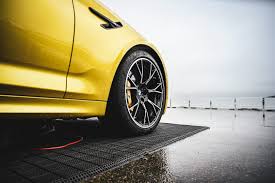
Shot 9 – Wheels in Motion
- Ground-level shot beside the car as it rolls slowly.
- Capture tire spinning; natural dust or road texture.
Shot 10 – Wide Closing Shot
- Set up camera far away on tripod or use drone if available.
- Car drives off toward horizon — ambient sounds fade out.

⚡ Proposal 2: Pulse
Length: 60–90 seconds
Tone: Sleek, energetic
Sound: Engine revs + subtle beat
Style: Quick cuts, tight framing
Shot 1 – Ignition (0:00–0:10)
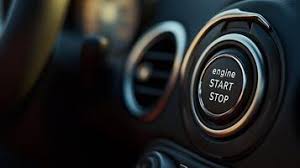
- Tight close-up of start button.
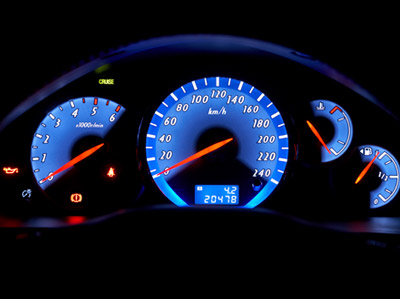
- Dashboard lights flick on — quick cut to gauge cluster glow.
Shot 2 – Power Building (0:10–0:25)
- Cut between quick close-ups:
- Foot pressing pedal
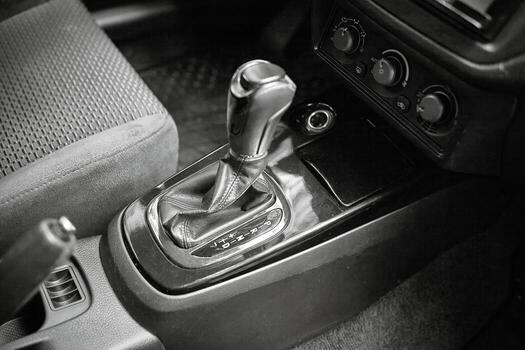
- Hand shifting gear
- Engine shaking slightly under hood
- Add subtle rev sounds for rhythm.
Shot 3 – Momentum (0:25–0:45)
- Drive-by shot on empty road.
- Use a tripod pan or handheld gimbal following the car.
- Keep horizon straight; focus on smooth motion.
Shot 4 – Focus (0:45–1:00)
- Inside the car: close-up of driver’s eyes in mirror.
- Lights or reflections move across glass as road passes.
Shot 5 – Resolution (1:00–1:20)
End with subtle reflection or light fade.
Car slows and stops in scenic area.
Wide shot; sound fades to calm ambient noise.
Rough Edit
Final Video
Chosen Still
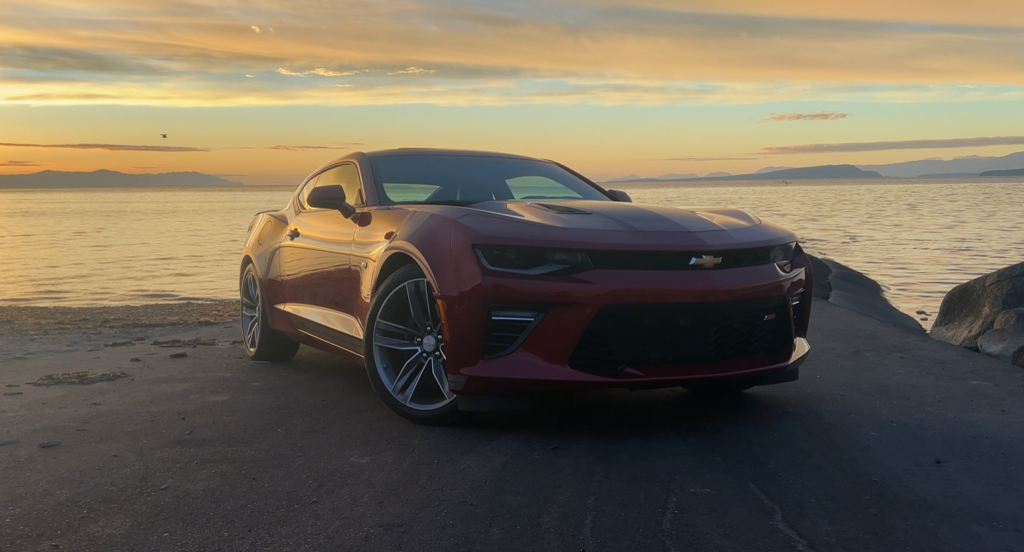
The intent of this project was to capture the quieter, more reflective side of driving by focusing on mood, atmosphere, and natural environments rather than speed or action. I wanted to explore how small details like light, texture, and movement can tell a story without the need for dialogue. My process began with defining a tone that felt calm, intentional, and grounded in nature, which guided every visual decision that followed. From there, I developed a storyboard that broke the film into distinct moments, each designed to highlight a different aspect of the driving experience. Location choices, such as forested roads and coastal scenery, helped reinforce the theme of connection between the driver, the vehicle, and the environment. Once the shot list was finalized, I planned each angle to reflect key visual principles like composition, depth, and rhythm. The project evolved as I considered how natural lighting especially golden hour, could enhance emotion and soften the transitions between scenes. Throughout the process, I remained focused on creating a sense of quiet momentum rather than dramatic action. The final concept emphasizes presence, subtlety, and the meditative feeling of being in motion. Overall, this project allowed me to experiment with cinematic storytelling while refining my ability to plan, visualize, and communicate a creative idea.
Editing Timeline
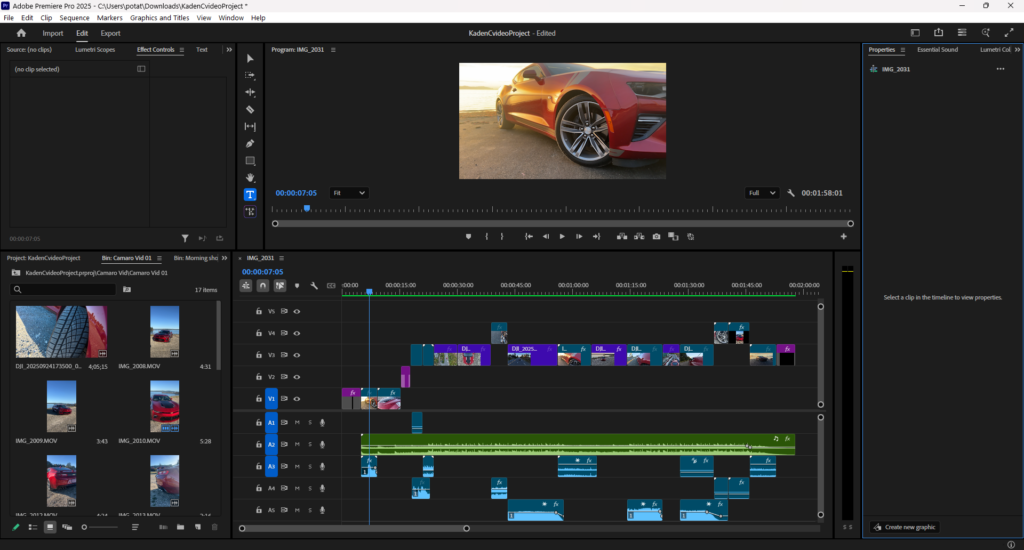
Image Sequence Assignment
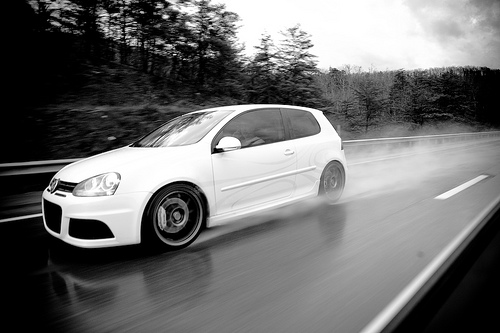
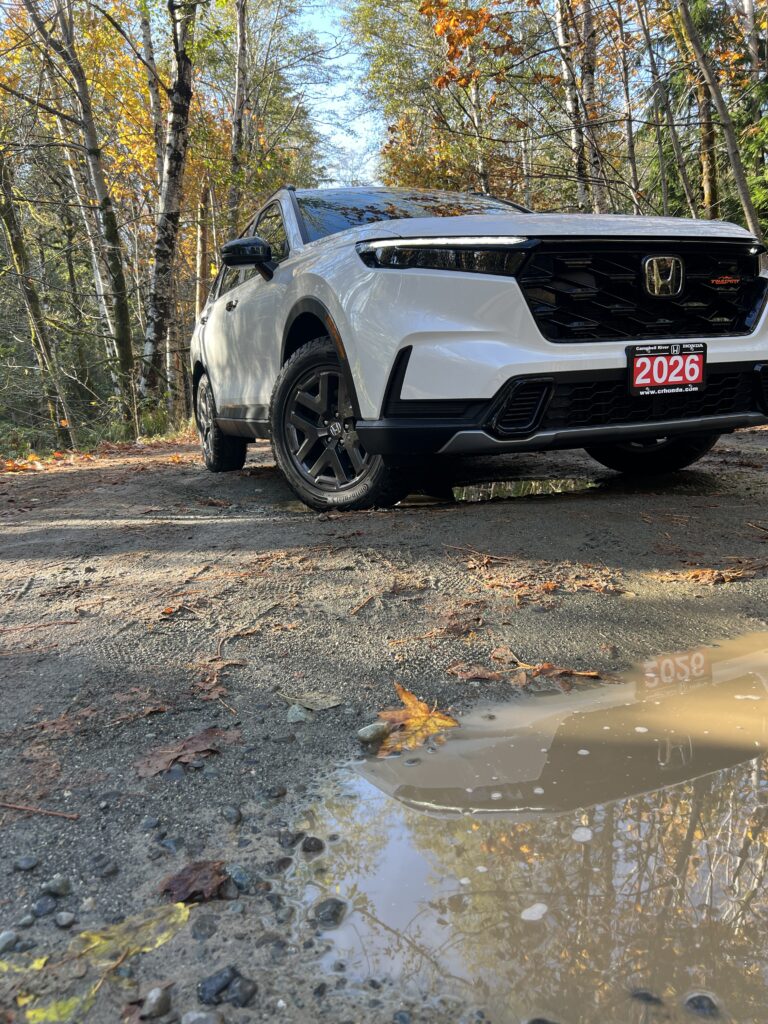
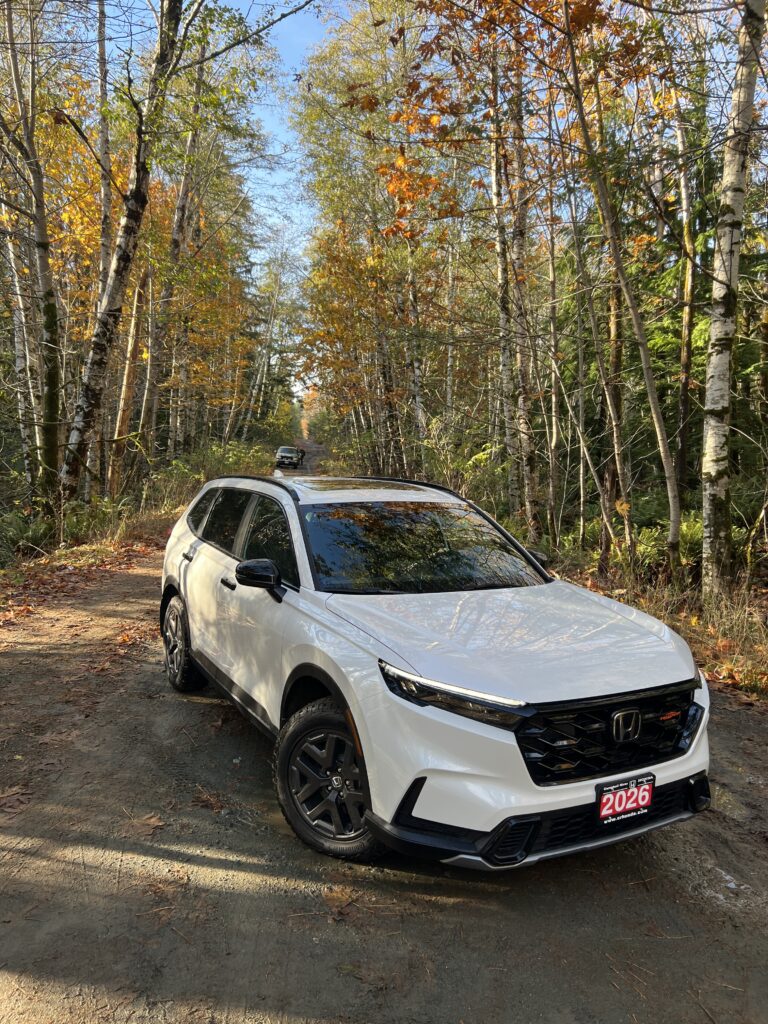
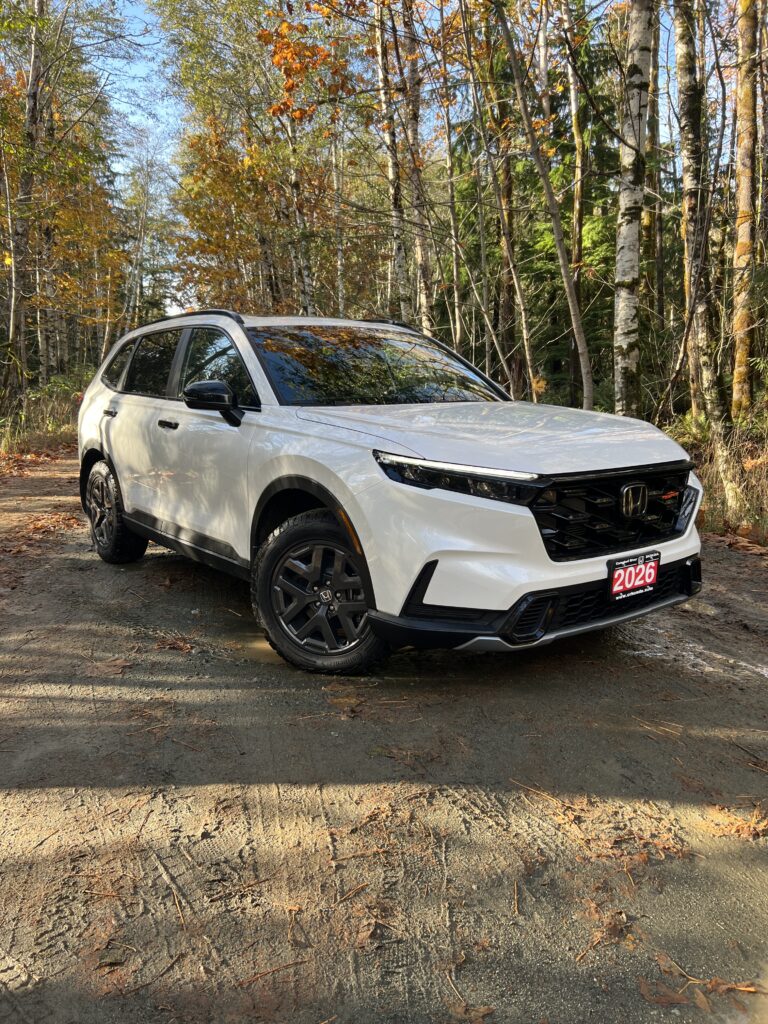
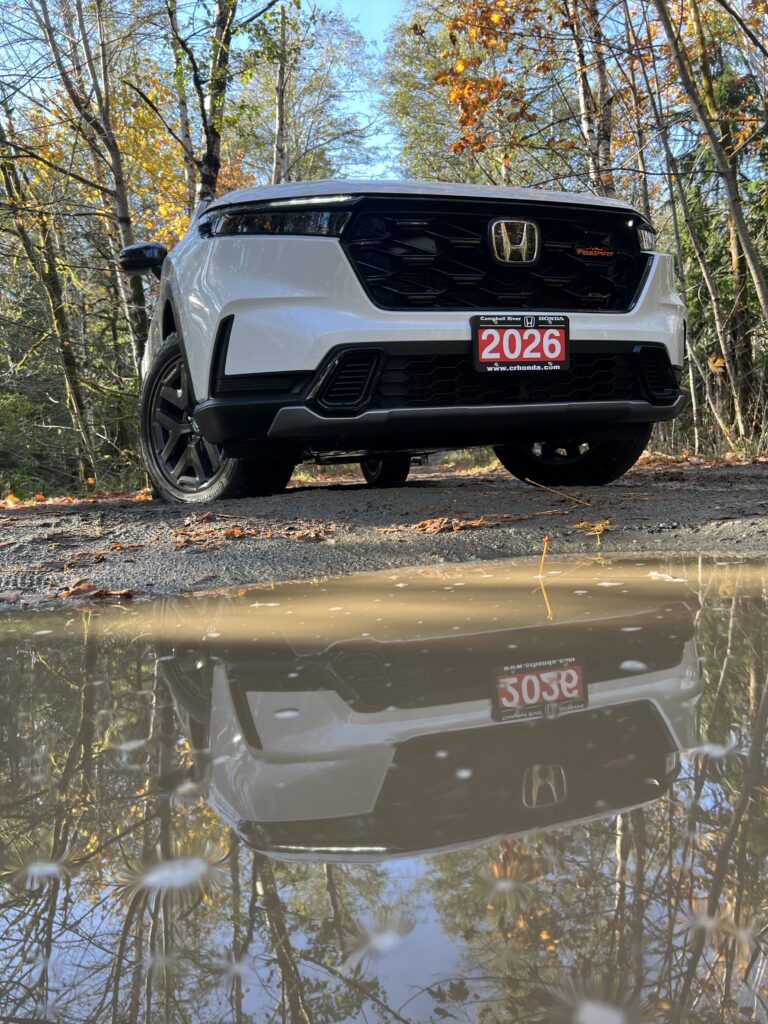
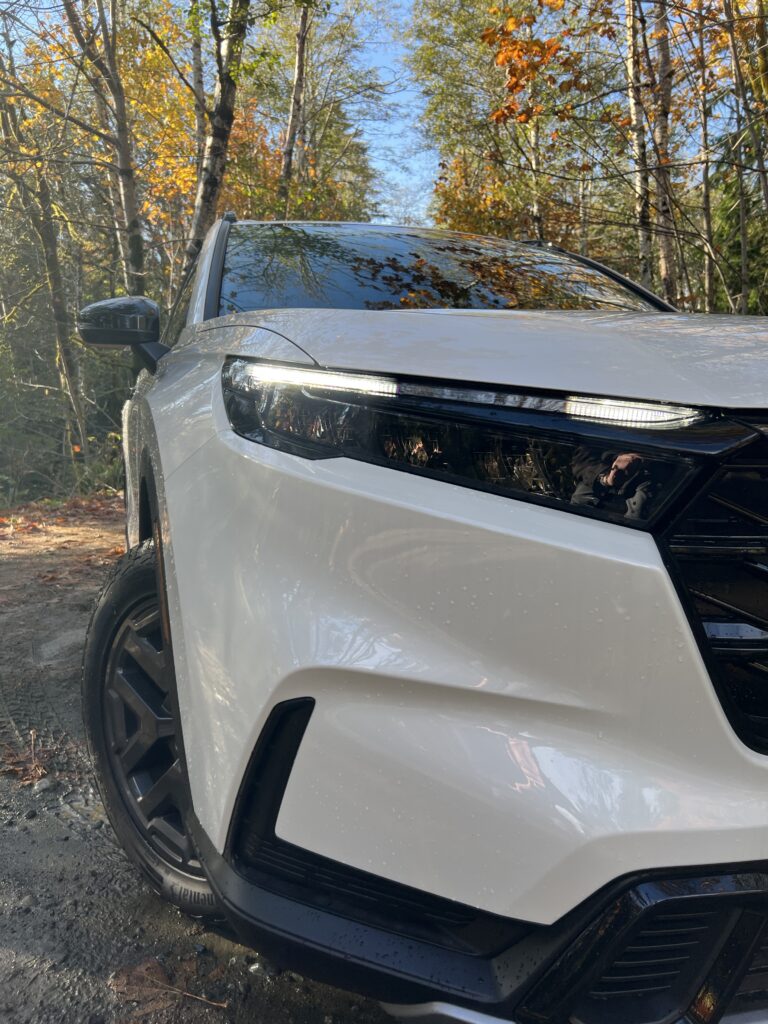
My image sequence focuses on the formal elements of depth, focal point, perspective, and movement to create a sense of energy and progression. Each photograph guides the viewer’s attention and tells a visual story about motion and environment. The first image shows the car in a still position, using shallow depth of field to highlight its details and craftsmanship. The second image shifts to a low camera angle, giving the car a more dominant and powerful presence.
The third image introduces movement through composition and framing, suggesting speed and direction without relying on motion blur. The fourth image expands the perspective, placing the car within a wider landscape to create a sense of space and realism. Finally, the reflection of the car in a puddle offers a calm and contemplative ending, using symmetry and texture to suggest pause after motion.
Together, depth, focal point, perspective, and movement guide the viewer’s eye naturally through the sequence. These elements work in harmony to create a balanced, cinematic narrative that captures not just the image of a car, but the feeling of motion and transition.
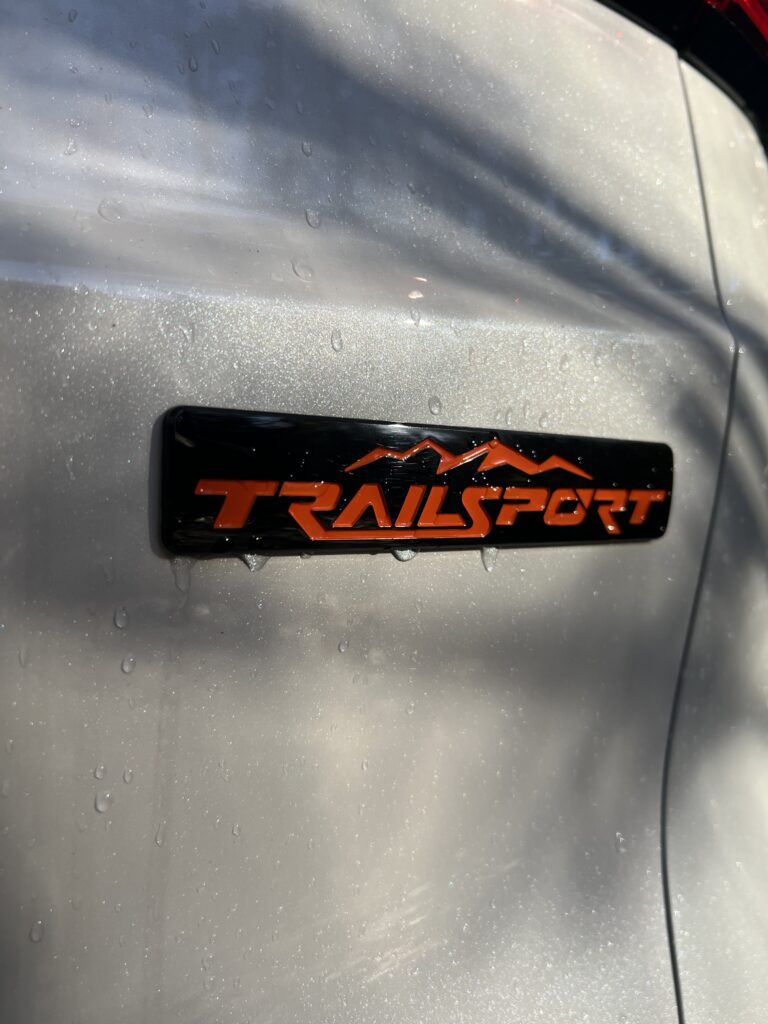
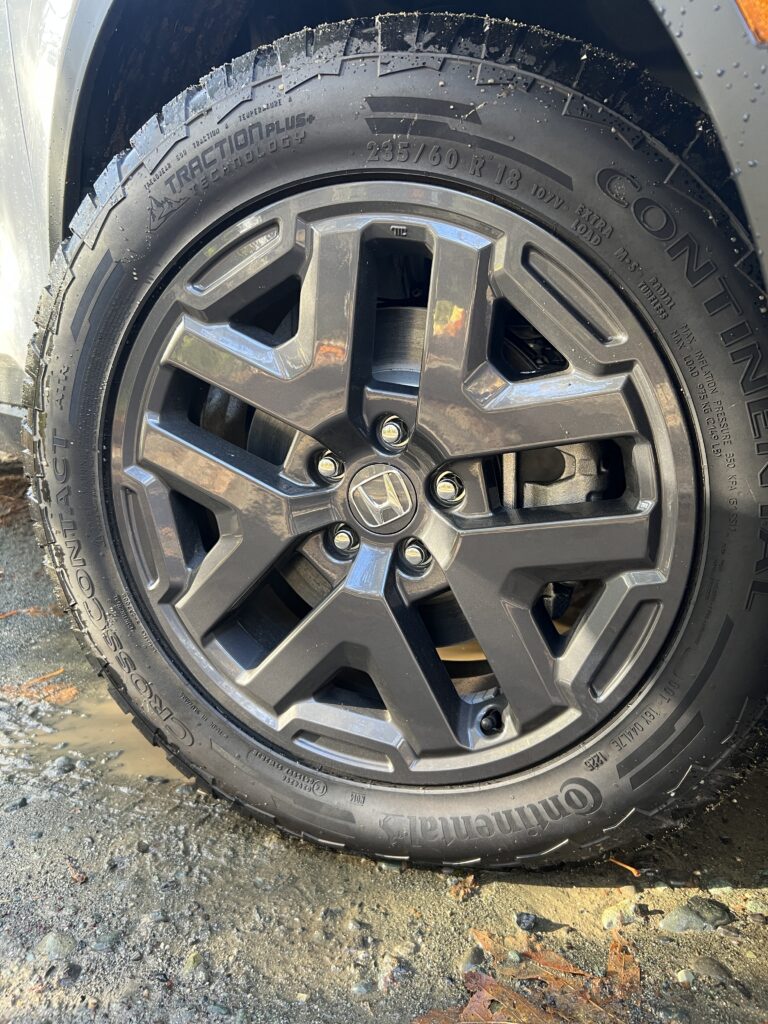
Tech Ex 6 shot composition
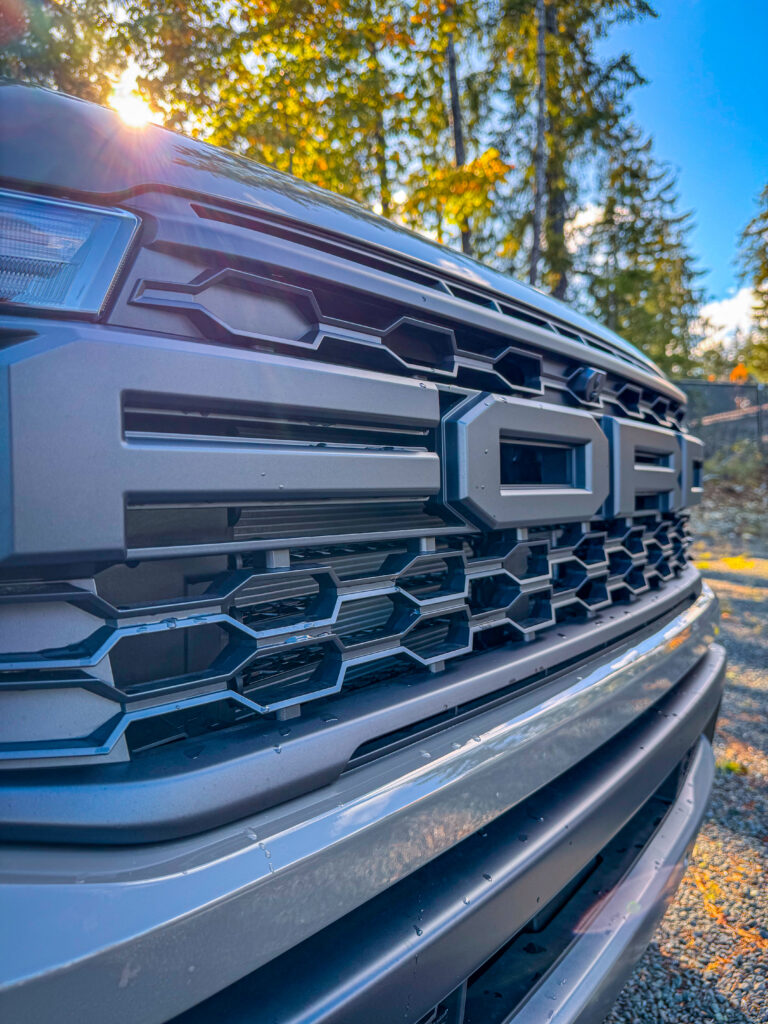
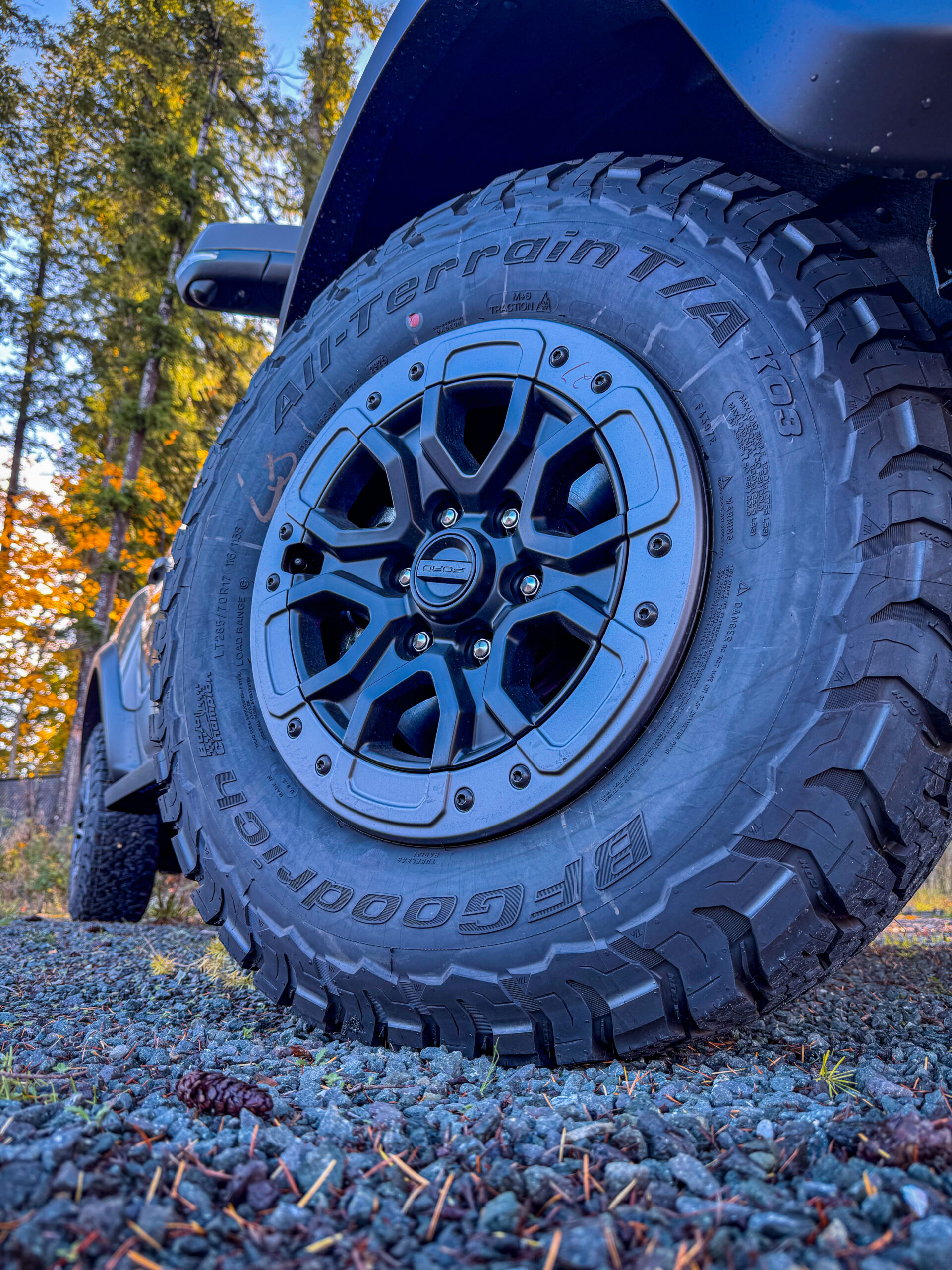
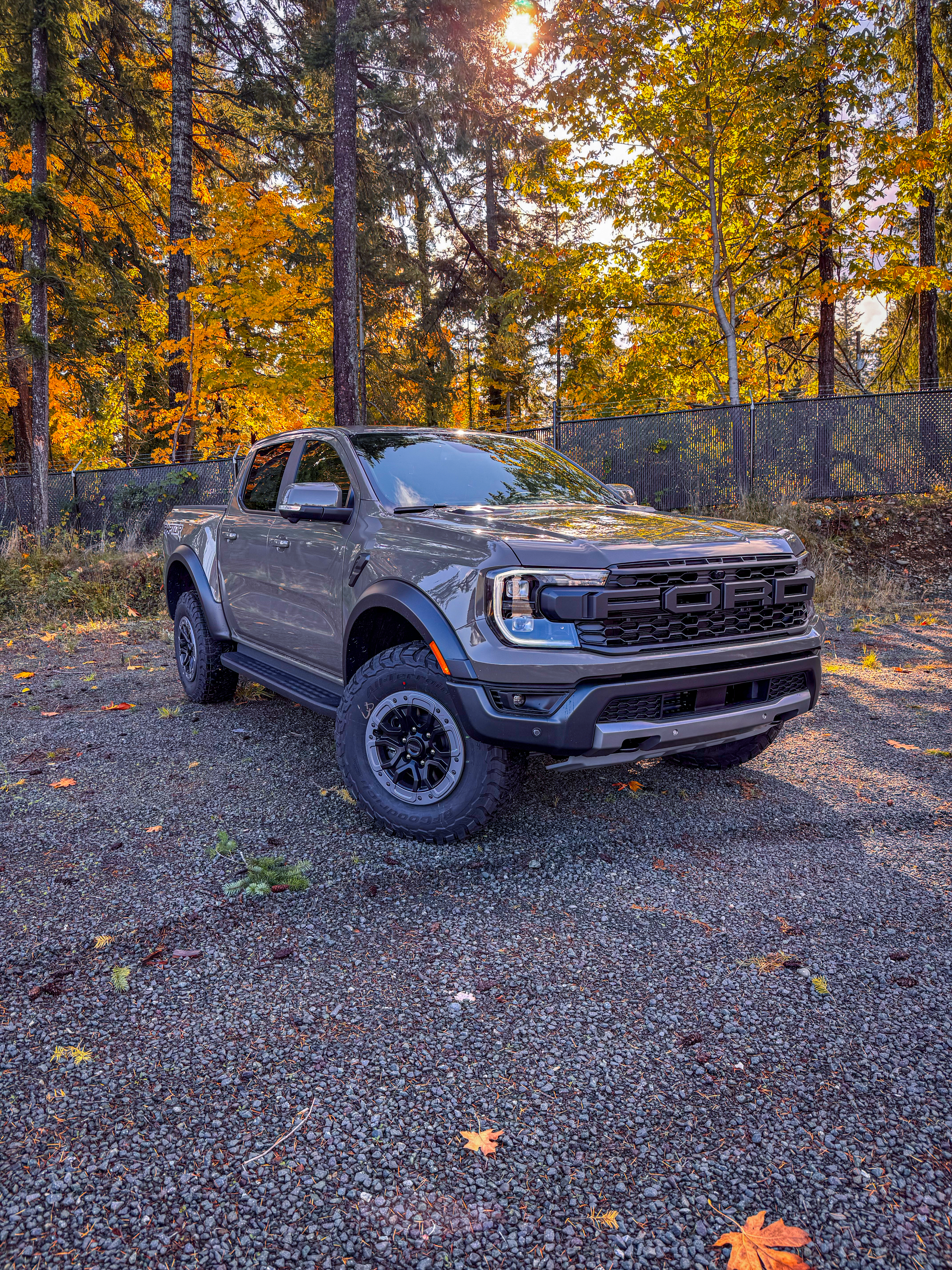
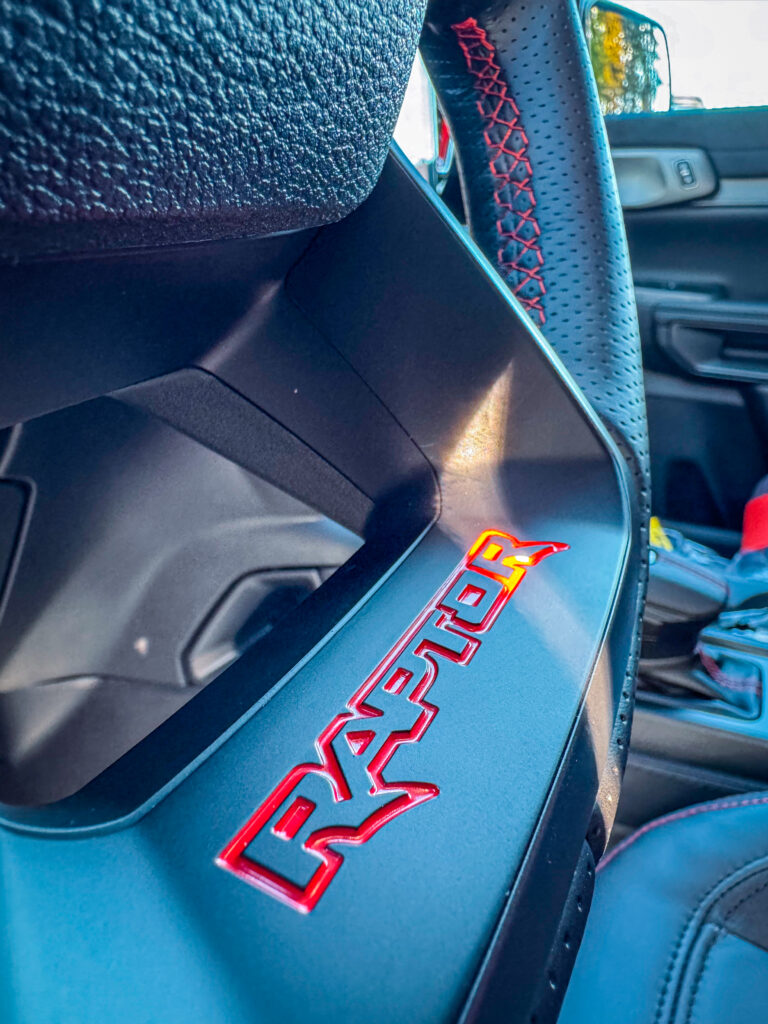
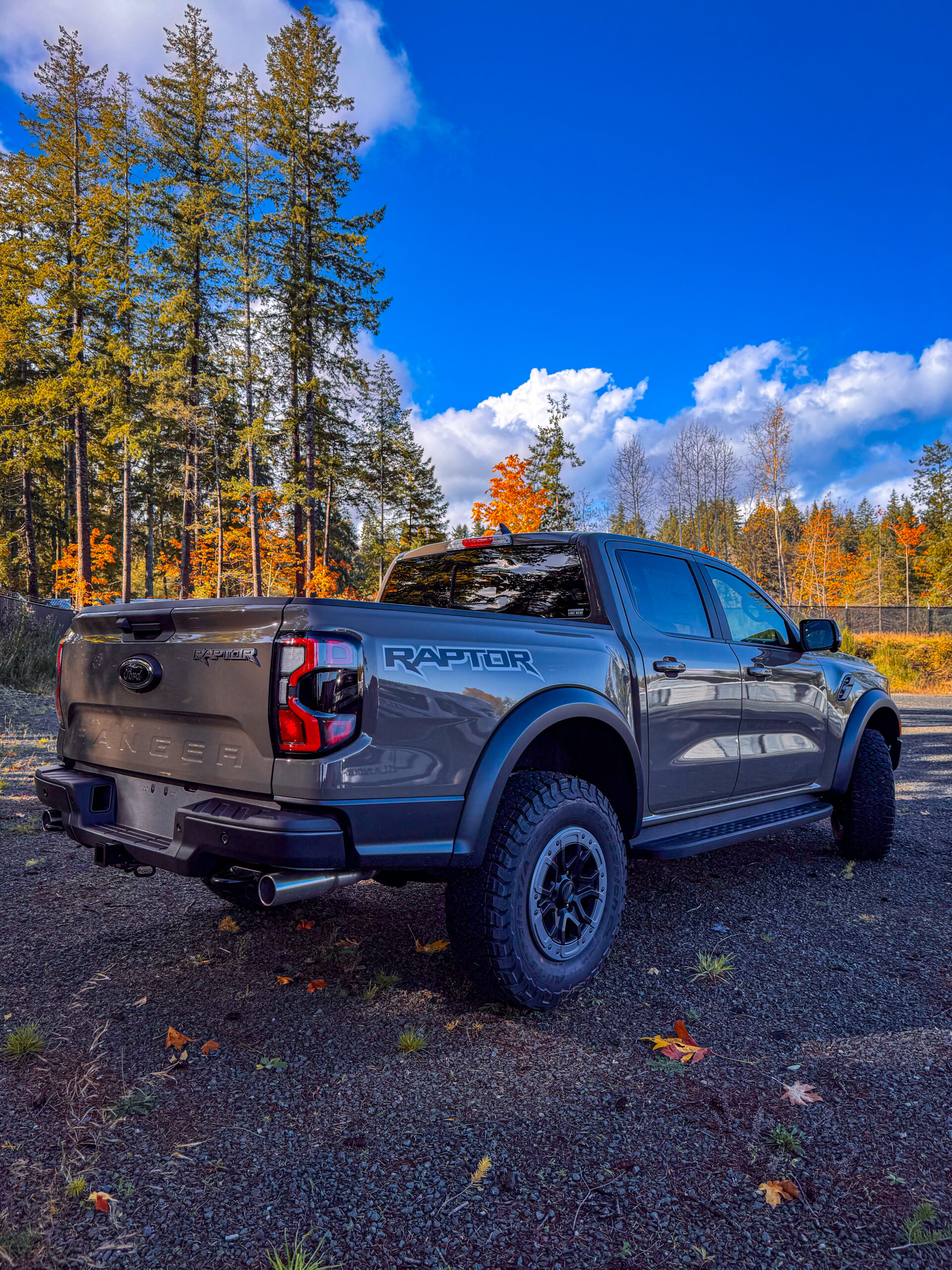
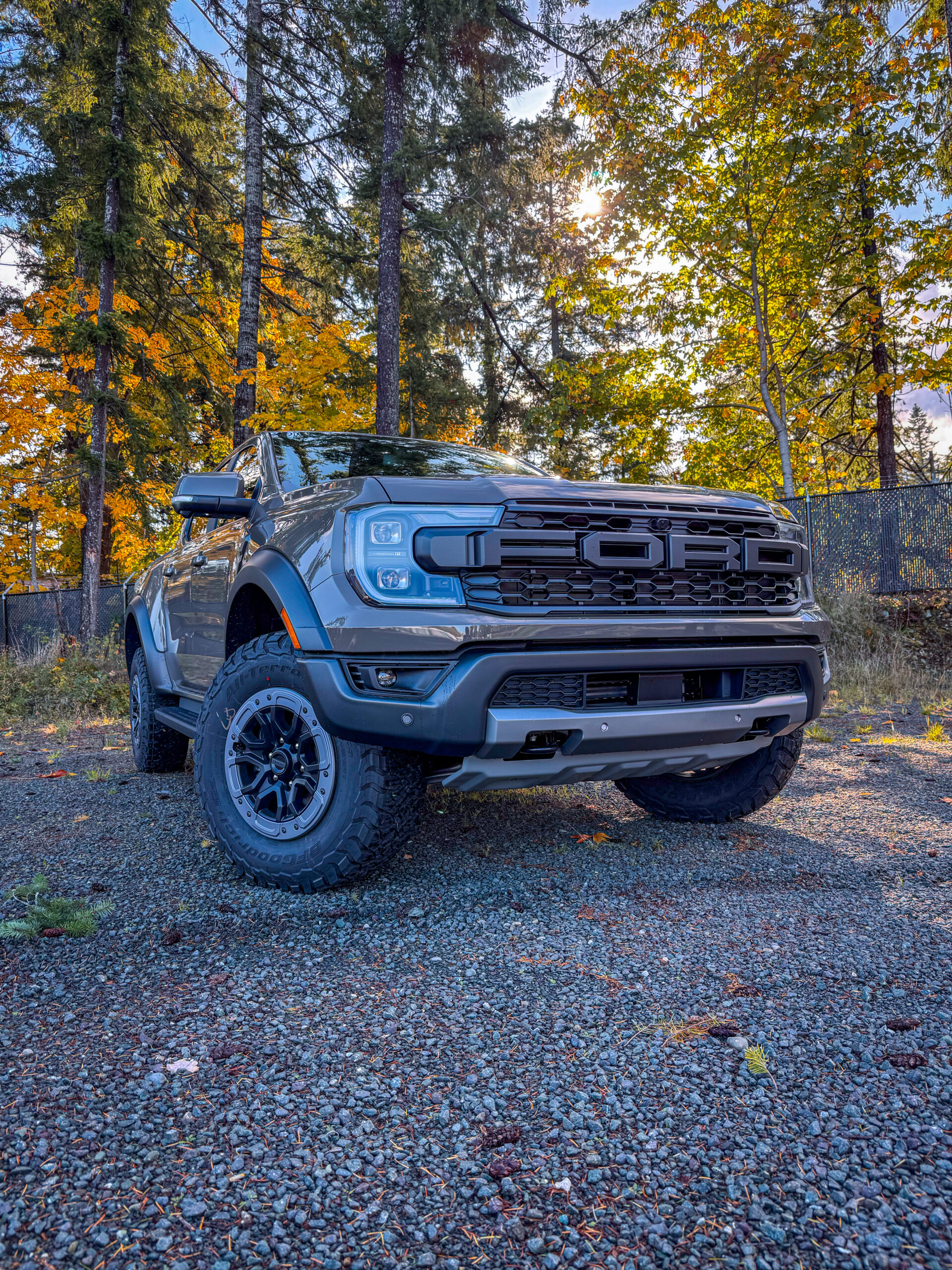
In this exercise, I learned how different camera shots and angles can completely change the mood and storytelling of a scene. By experimenting with framing from extreme close ups to wide establishing shots, I saw how each choice draws attention to specific details or emotions.
Tech EX 4 Audio Repairs
In this exercise we go in depth on how to repair your audio using the different tools in audition. you use the declipper, specific sound remover, paintbrush tool and more. you use these tools to repair your audio. one effect i will be using more of is the de noise as alot of my videos for work have BG noise.
Sound Project Proposal
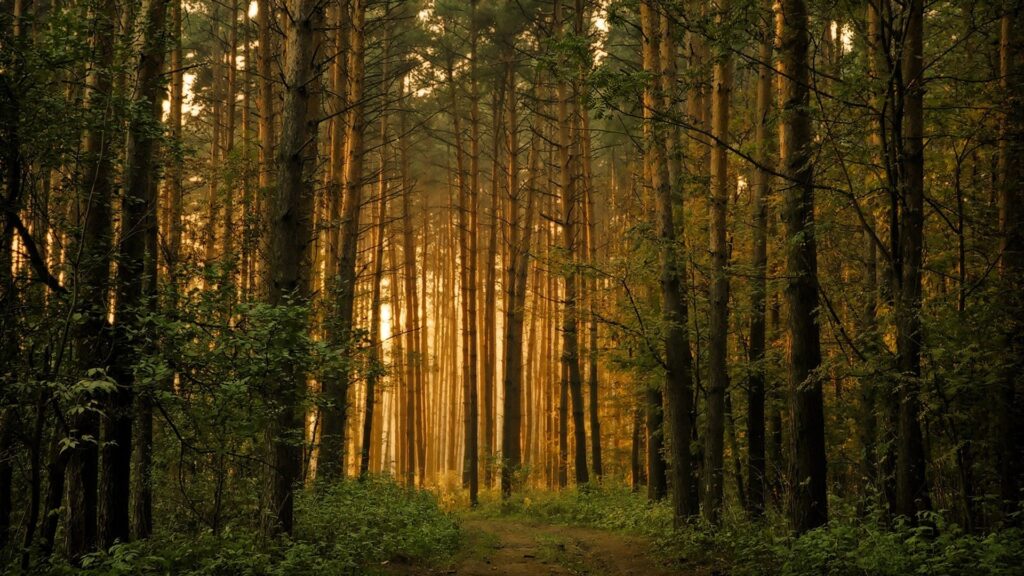
This sound scape i want to have the feel of being relaxed in nature, with wind and animal sounds with myself crunching through gravel and leaves, i want the listener to feel the relaxed nature vibe.
🌲 Soundscape 1: Walking Through the Forest
Timeline (2 minutes)
0:00 – 0:20 (Intro)
- Base layer: forest ambience (found sound).
- field recording: footsteps crunching on gravel/leaves.
0:20 – 0:40
- Add found sound: distant bird calls.
- Voice (softly whispered or hummed) — ah nature.
0:40 – 1:20 (Middle)
- Layer in water stream trickling (found).
- Field recording: snap a branch or rustle leaves in hand.
- Voice: pitch-shifted fragments (“listen to those birds”).
1:20 – 1:40
- Fade in distant woodpecker tap or owl hoot (found).
- field recording — pushing through bush
aprox 1.5 minutes
Proposal 2
🚗proposal 2 (a day in my work life)
The listener steps into my day, arriving at the dealership, capturing videos with the sales crew and sounds you hear at a dealership, then shifting into the quieter creative/media space editing before wrapping up. i want the listener to know exactly what i do at work only through sound
Timeline (about 2.5 minutes)
0:00 – 0:20 (Arrival)
- Field recording: car door closing, footsteps walking inside.
- Voice: a simple line like “Another day at the dealership” whispered or pitched.
0:20 – 0:50 (Showroom bustle)
- Field recording: jingling keys or opening/closing a car door.
- Found sound: faint car start/engine idle in background.
- Accent: phone ringing or muffled sales chatter.
0:50 – 1:10 (Media zone / content creation)
- Field recording: keyboard typing, mouse clicks, camera shutter or video record beep.
- Found sound: faint printer/copier in the distance.
- Voice: like “edit, upload, post” looped or processed.
1:10 – 1:30 (Busy overlap)
- sounds of typing and play audio for music as if editing
- Field recording: coffee mug set down or pen tapping to emphasize pace.
- Voice: repeating “deadline, deadline, deadline.”
1:30 – 2:00 (Wrap-up / Leaving)
- Slowly fade out busy layers.
- Field recording: chair sliding back, backpack zipped up, footsteps out, car door shutting again.
- End with the hum of a running car fading into silence.
Aprox 2 minutes

Draft audio
Soundscape
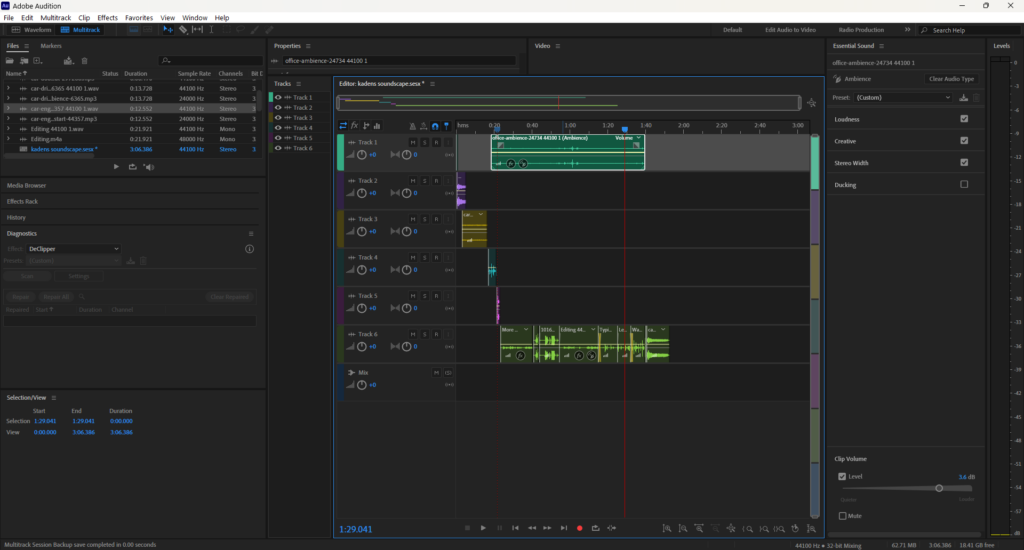
This soundscape was inspired by my daily experience as a media specialist at an automotive dealer group. I wanted to capture the unique rhythm of the workplace. the mix of recording the video, phones ringing, and quiet moments of focus behind the camera or computer. The project began with field recordings from different areas of the dealership, including the showroom, my office, while recording a video and outdoor lot. I layered these sounds to reflect the pace of an average workday, from the early morning start up to the end of my day winding down. Editing involved balancing the sharp mechanical sounds with softer ambient tones to create a sense of atmosphere rather than chaos. I used EQ and reverb to give depth and space to certain layers, especially the background chatter and voice. The creative process helped me appreciate how much sound shapes the energy of a space. Every noise from footsteps to keyboard clicks became part of a larger rhythm that defines my work environment. The final mix aims to immerse the listener in that experience and highlight the often overlooked soundscape of a dealership. Through this project, I learned how sound can tell a story just as vividly as video or photography.

Tech Ex 3 Radio Call 1-2
In this excercise you learn how to gather found sounds and create your own and make your own radio call. you work with reverb fx and any fx you choose to add to your sounds, whether thats making it louder and panning to one ear or making it wave from loud to soft.
Radio Call 2
tech ex 2
this exercise is about building a Foley sound archive by recording and organizing a set of sound effects. You start by capturing eight different sounds, each recorded multiple times at varying distances and mic placements to compare quality. Alongside recording, you’ll also create an introduction, spoken labels for each sound, and a conclusion to document the archive
https://docs.google.com/document/d/1wHxaPDM2dKM48geU3-9fpc8FRV5yLNTceN3ptfLaDIY/edit?usp=sharing
Sound Edit Basics
In this exercise you go over how to do basic sound edits, like cutting sections, adding keyframes to keyframe the audio decibels. you also learn how to add a simple reverb effect by copying a selected sound wave and copy it to another track and offset it slightly. aswell in this exercise you learn how to setup your file.